


SaaS Strategy
 Rahul Borse
WhatsApp API: Client Engagement Automation
Rahul Borse
Introduction
The WhatsApp Business API has emerged as a premier communication channel for SaaS and e-commerce companies seeking to automate client onboarding, send shipping notices, and run interactive support databases. Unlike SMS, WhatsApp drives engagement via rich media, interactive buttons, and high verification counts.
In this engineering guide, we walk through setting up inbound webhooks, managing custom message templates, and analyzing conversation metrics.
Setting Up Webhooks
To process incoming customer messages in real-time, you must configure a secure HTTPS webhook endpoint that verifies Meta's signature challenge. Here is a sample node endpoint to handle verification:
JavaScript (Node.js)
const express = require('express');
const app = express();
app.use(express.json());

app.get('/webhook', (req, res) => {
  const verifyToken = 'YOUR_VERIFY_TOKEN';
  const mode = req.query['hub.mode'];
  const token = req.query['hub.verify_token'];
  const challenge = req.query['hub.challenge'];

  if (mode === 'subscribe' && token === verifyToken) {
    res.status(200).send(challenge);
  } else {
    res.sendStatus(403);
  }
});
"Webhook synchronization is the backbone of automated chats. Reducing processing latency to sub-second levels is critical for high client satisfaction."Rahul Borse — SaaS Architect
Interactive Templates
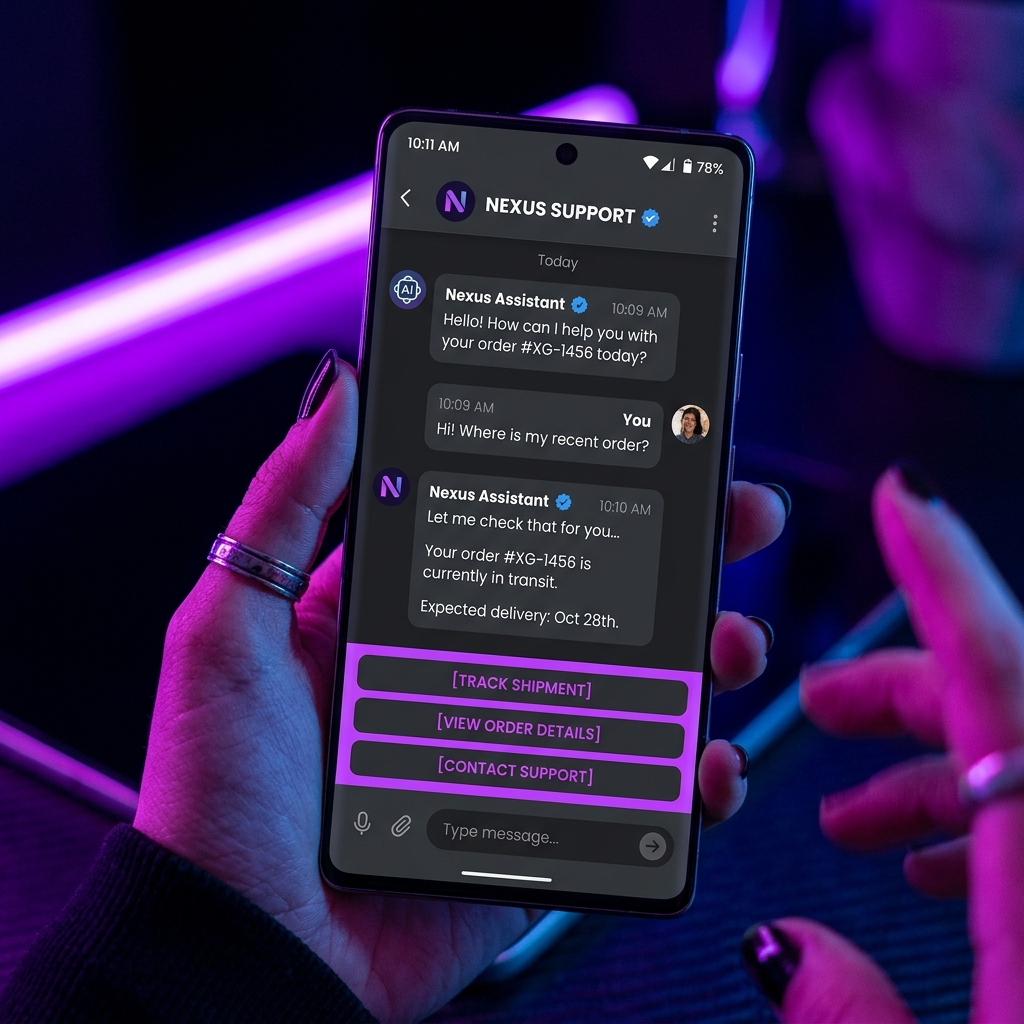
Meta requires pre-approval for outbound messages sent outside the 24-hour customer care window. These approved templates can feature quick-reply options, call-to-action buttons, or media headers, which boost conversion counts.
Gallery Showcase
Exploring interactive flows and notification layouts designed for CRM integrations.
Interactive Chat Guidelines
Mockups of mobile templates, interactive buttons, and backend flow diagrams.


Conversion Metrics
By linking WhatsApp Business metrics directly with customer retention logs, SaaS architects can track click-through-rates, session duration, and automated task completions in unified dashboards.